Designing the first AI render tool architects actually trust
Client
AI-Powered Architectural Visualization Platform
Year
2025
Role. Lead Product Designer — full ownership of research, UX strategy, and interface design
Team. 6 incl. me — CEO/CTO, PM, 3 engineers
Duration. 4 months (Mar – Jun 2025), end-to-end through closed beta launch
Stage at start. Working AI model, no customer-facing product, a ~90-person waitlist
Scope of Work

TL;DR
Architects lose the last mile of every visualization to Photoshop: hours of material fixes, lighting, and entourage on top of every render. Generic AI tools promise to help — and then repaint the building. Beautiful image, wrong architecture.
I owned the product design from the first user interview to market launch.
Post-production time per render: ~6 hours → 54 minutes (median)
Cost per exterior render: $700–1,200 outsourced → under $300
Mid-processing abandonment: 34% → 11% after the progressive-preview redesign
~3,900 registered users in the first 6 months; 14% on paid plans, $94 average revenue per paying user
First-session success: of sessions that completed processing, 92% ended in an exported result with no assistance
How we measured. PostHog instrumentation end to end: timing events per enhancement session, funnels from sign-up to first export, plus payment data. First-session success = completed processing → exported result, no support contact. Time-per-render compares interviewees' manual-workflow baseline (the ~6-hour figure) against measured in-product sessions.
Research
Six weeks, three streams:
15 in-depth interviews — architects at firms from 20 to 200+ people, plus independent visualization freelancers.
3 workshops, 24 participants across firm sizes — mapping the render-to-client-approval workflow step by step.
Competitive teardown of a dozen AI enhancement tools — Veras, ArkoAI, and Magnific-based workflows among them.
What we heard:
14 of 15 named post-production — not modeling, not rendering — as the bottleneck of their delivery.
12 of 15 outsourced enhancement at $700–1,200 per render and watched it eat their margins.
13 of 15 had already tried AI tools and quit — every one of them told a version of the same story: the image got prettier and the architecture got wrong.


Who we built for
Senior architects at mid-size firms. Manage 15–20 projects in parallel; post-production is a throughput problem. They don't want a creative tool, they want the bottleneck gone.
Independent viz freelancers. Photoshop skills vary; outsourcing eats the margin on every job. For them it's an economics problem.
Interior designers and students stayed in messaging but out of v1 scope — their workflows would have pulled the product toward creative exploration, and the wedge was professional delivery.
Design Principles
Architectural integrity first. Structure, proportions, and design intent are never negotiable — enhancement applies to materials, lighting, and atmosphere only.
Verify, don't trust. Every result ships with the means to check it — comparison is a first-class action, not an afterthought.
Fit the pipeline. 3ds Max → Revit → render → Platform→ client. No new workflow, one step replaced.
Progressive everything. Show something useful in seconds; deliver full quality in the background.
Design decisions that moved the needle
The product had two UX problems bigger than any screen: architects didn't trust AI output, and GPU processing took 8–15 minutes per render. Trust and time. Every decision below attacks one of the two.
1. The geometry contract: enhancement you can verify
The core insight from research: architects don't fear ugly AI output — they fear plausible AI output with changed geometry, discovered by the client. So the interface makes the constraint visible and checkable:
Structure is locked by design — the model enhances materials (glass, concrete, brick, steel, vegetation), lighting, and entourage; it cannot repaint geometry. The UI says so before the first upload.
The default result view is a before/after slider with zoom — verification is the landing state, not a buried feature.
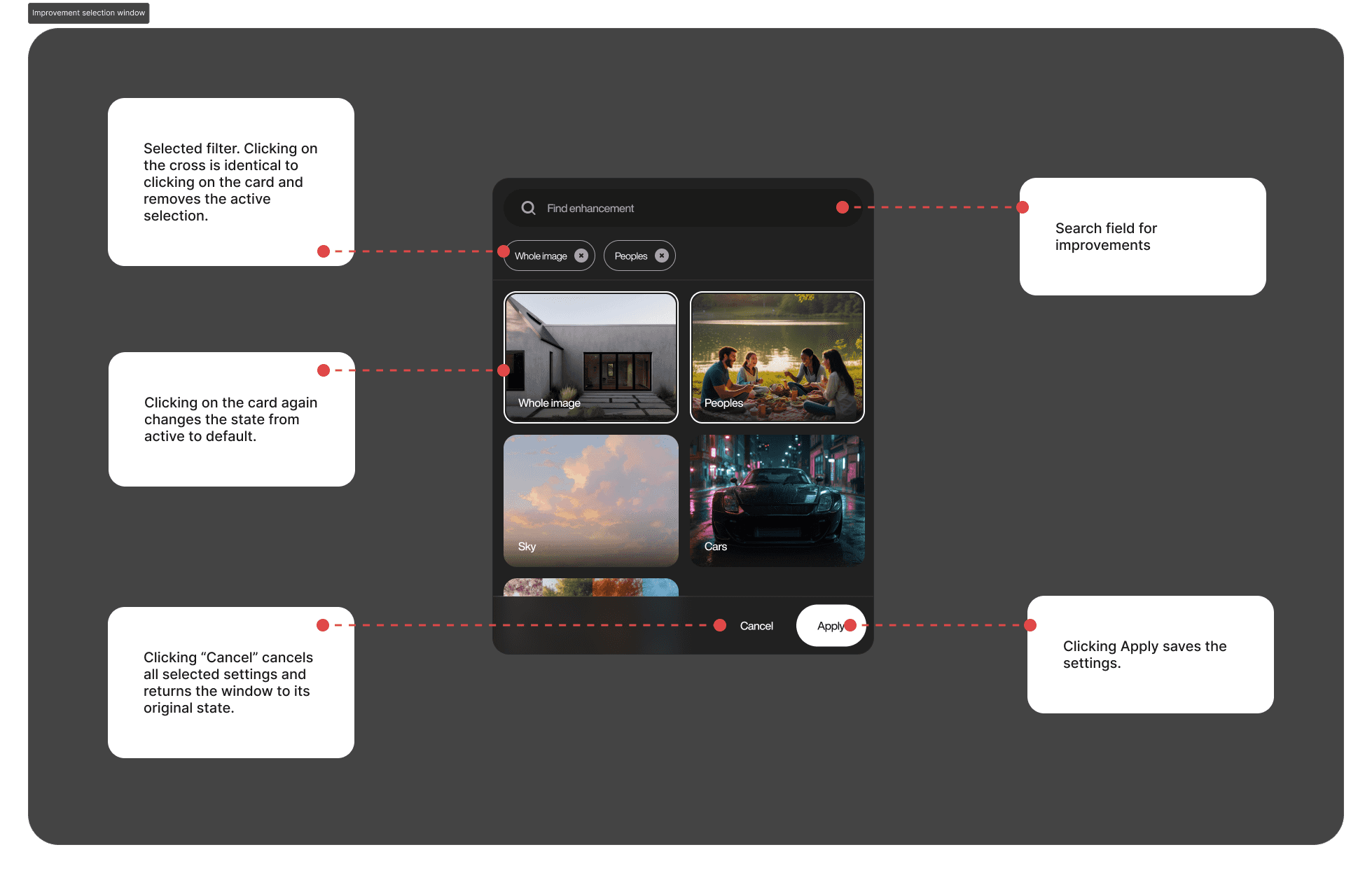
Per-material control — corrections target the material layer ("cooler glass," "warmer brick"), never the building.
Result: the compare slider became the most-used control after upload itself — opened in 68% of all enhancement sessions.
2. Progressive preview for an 8–15 minute wait
Initial processing took 8–15 minutes at full resolution — and 34% of first-time users abandoned mid-processing. We couldn't make the model faster. We could change what the wait felt like:
30-second draft preview at low resolution — instant evidence the result is on track.
Progressive refinement — quality visibly improves while you watch, instead of a spinner.
Background processing — queue the next upload, review finished ones; a notification fires when full resolution lands.
The preview doubles as an early exit: a bad result costs 30 seconds, not 15 minutes.
Result: mid-processing abandonment 34% → 11%.
3. Upload: seven steps → three
The v1 upload flow asked users to configure before showing value: format, resolution, scene type, style, output settings — seven steps. We cut it to three by making the system do the homework: auto-detection of file format and scene type, smart defaults per scene, batch upload of up to 50 renders with per-file progress.
Result: first-upload completion 61% → 87%.
Built with engineering, not around it
Architectural renders run 50–200 MB. Working with the CTO, we shipped chunked resumable uploads, Dropbox sync instead of re-uploading, and preprocessing that cut transfer sizes ~40% before enhancement. Upload failures fell to 0.8%.
Mobile got a deliberate half-product: review, compare, and approve on site — no editing. Architects check renders from a job site; nobody tunes materials on a phone. About one in four review sessions now happens on mobile — and none of the editing.

Major Design Iterations
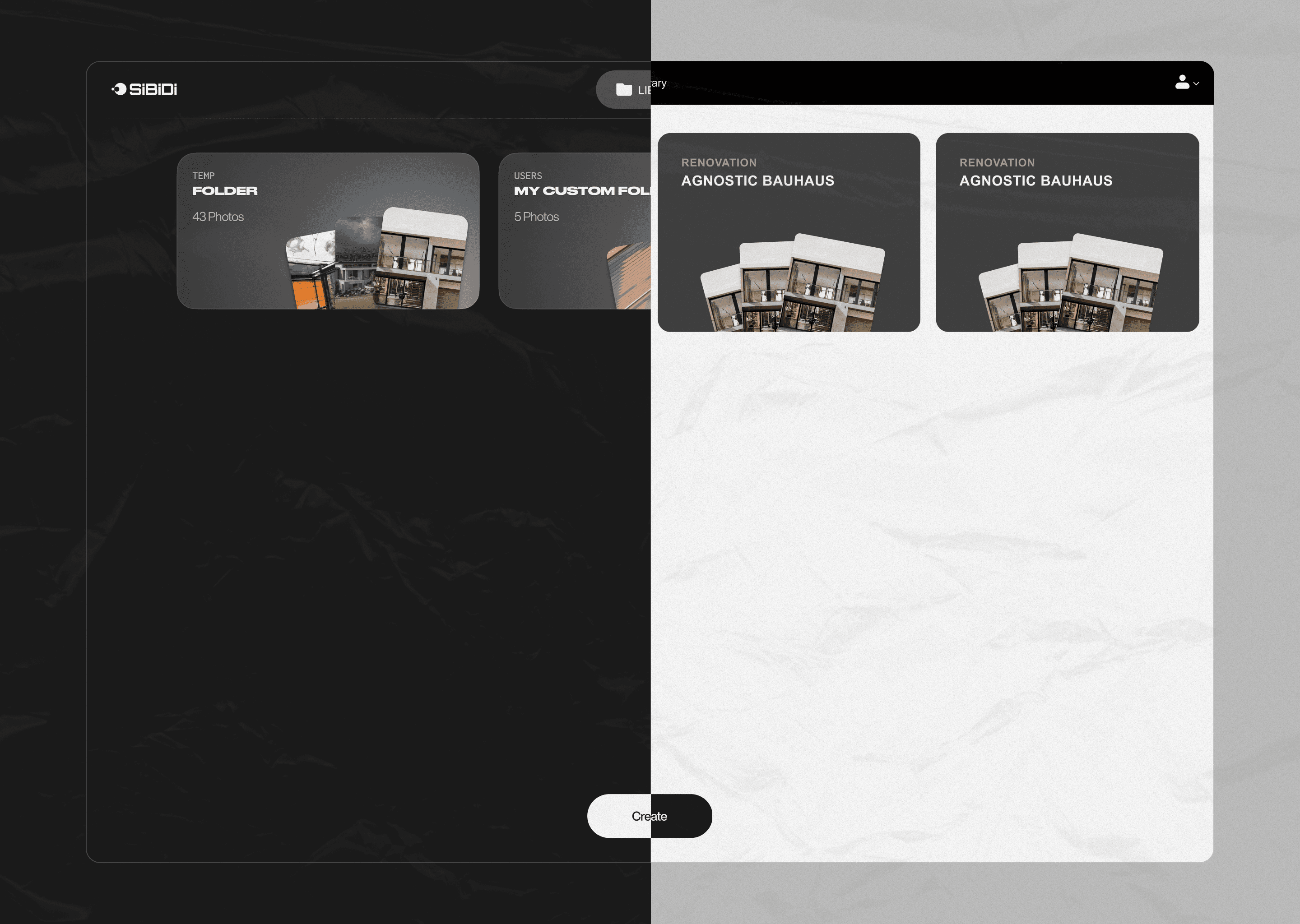
V1 closed beta launched on month 4. Three significant redesigns followed in months 5–6 based on retention data — most impactful: simplifying upload, adding confidence scoring, and exposing fine-tune controls
Selling AI to people burned by AI
The landing had one job: convince architects who'd already been disappointed by AI tools. The approach was evidence over adjectives — the geometry contract stated plainly, interactive before/after sliders with real client renders, pricing on the page. An A/B test of the evidence-first hero against a benefit-led variant lifted visitor→sign-up conversion from 2.3% to 3.6% (+57%).

Where it landed
Update (mid-2026): the product is live and growing — 7,000+ registered users — and the geometry contract is still the lead message on the marketing site. Native plugin integrations moved from wishlist to active roadmap.
Open questions I'd tackle next:
Native plugins for 3ds Max, Revit, and SketchUp — killing the export/import step entirely
Team workspaces: shared presets and approval flows for firms
Video flythrough enhancement — the most-requested feature in support since launch